LED desk display
A Raspberry Pi drives a 64×16 Bluetooth LED panel on my desk, with a control page, a busy light from my work calendar, and an MCP endpoint so Claude can write to it.
Highlights
Raspberry Pi + Bluetooth
A 64×16 LED panel on my desk
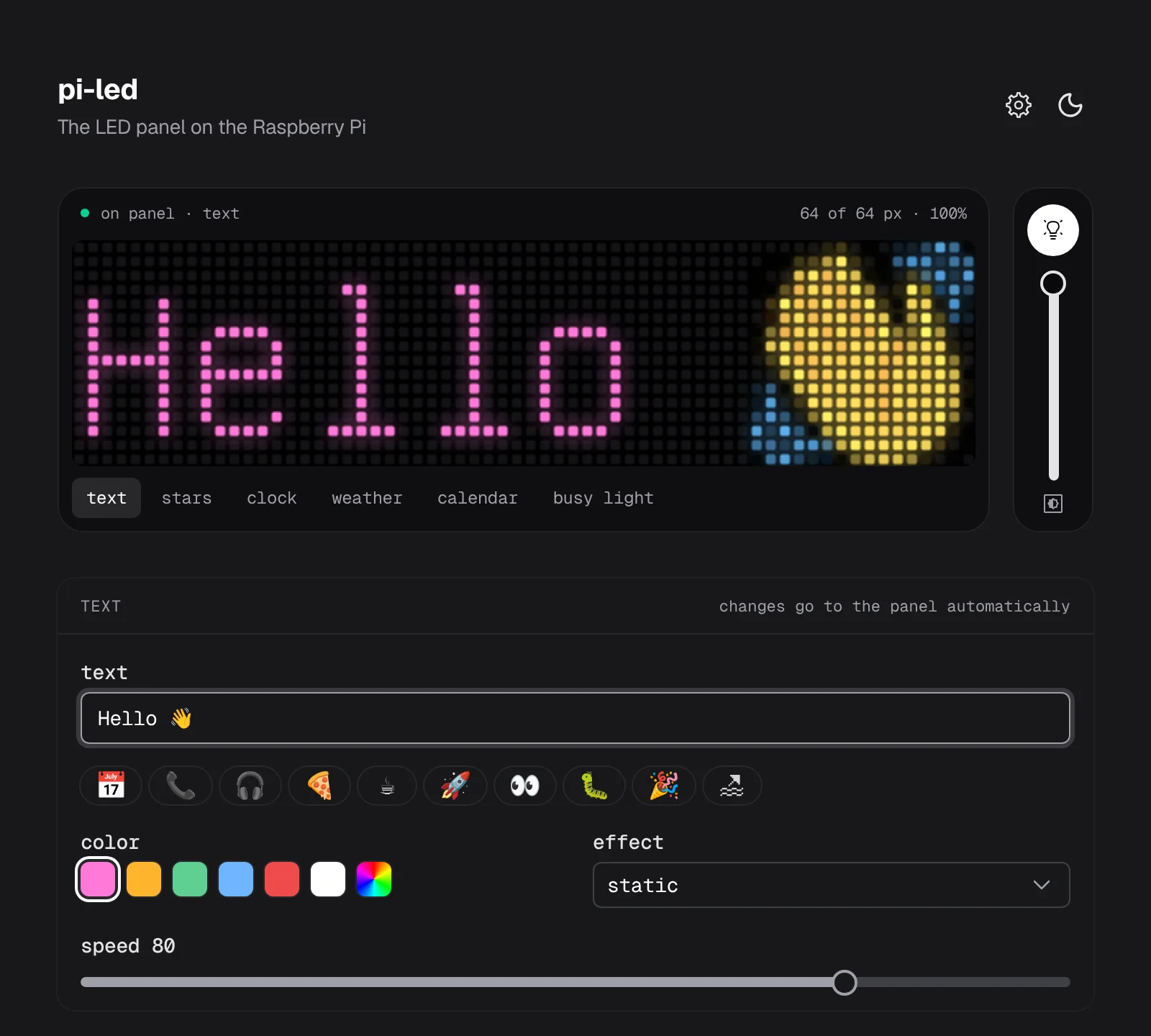
- TextGitHub starsClockWeatherCalendarBusy light
Six screens
Pick one on the control page, or let the busy light take over on its own.
- 64×16
Same pixels as the panel
The Pi draws each screen, and the preview shows its pixels.
claude mcp add --transport http led http://<pi>/mcpClaude writes to it
show_text, show_stars, and panel_status over MCP.
- in 12m
Next meeting
From a private iCal link, then its title on a second page.
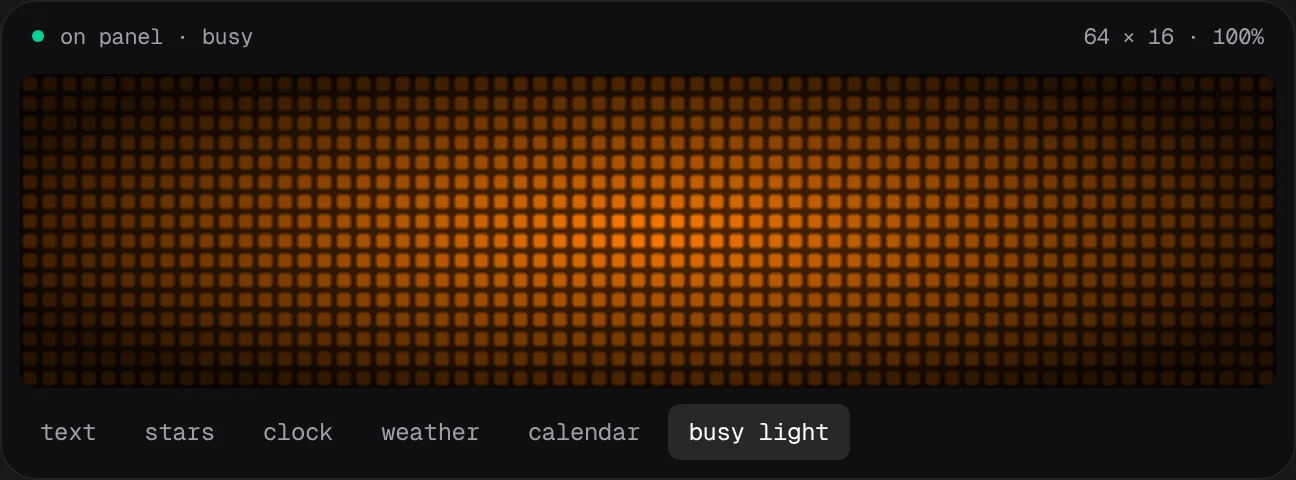
Orange before a meeting, red during one
Night mode
The screen turns off and on at set times.
Deploys itself
The Pi checks main every 5 minutes, rebuilds, and restarts.
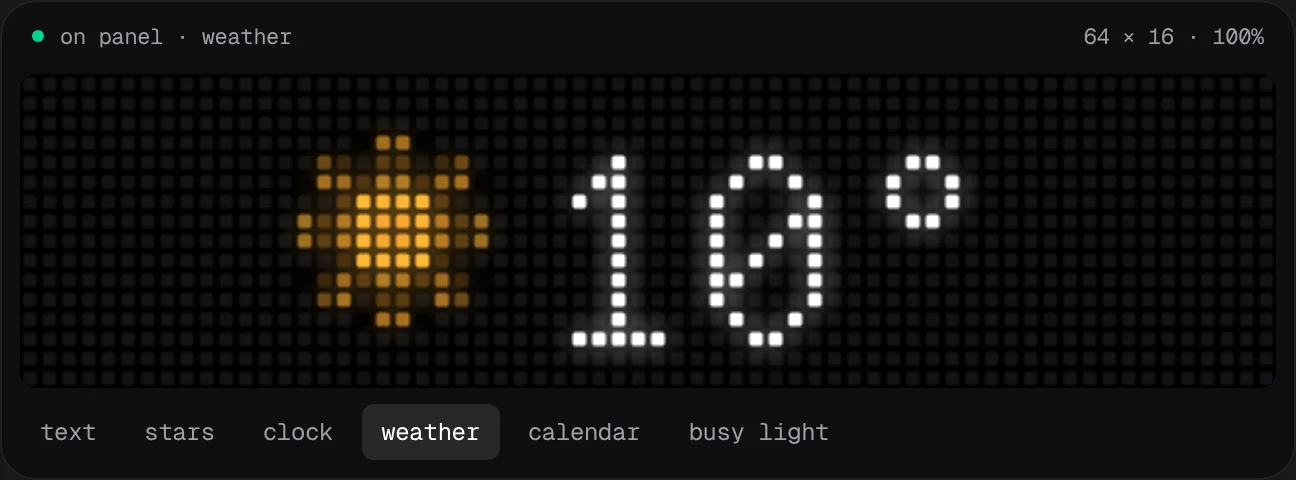
Weather from Open-Meteo, every 10 minutes
- 📅📞🎧🍕🚀
Emoji presets
One tap puts your status on the panel.
Calendar links stay on the Pi
The page only sees each calendar's name and host. Keep the Pi on your own network or tailnet.
What it is
A desk display from an iPixel Color Bluetooth LED panel (64×16, such as the Briloner LED message board from Action) and a Raspberry Pi. The Pi keeps one Bluetooth connection to the panel and serves an HTTP API, a control page with a live preview, and an MCP endpoint so Claude can write to the panel.
Screens
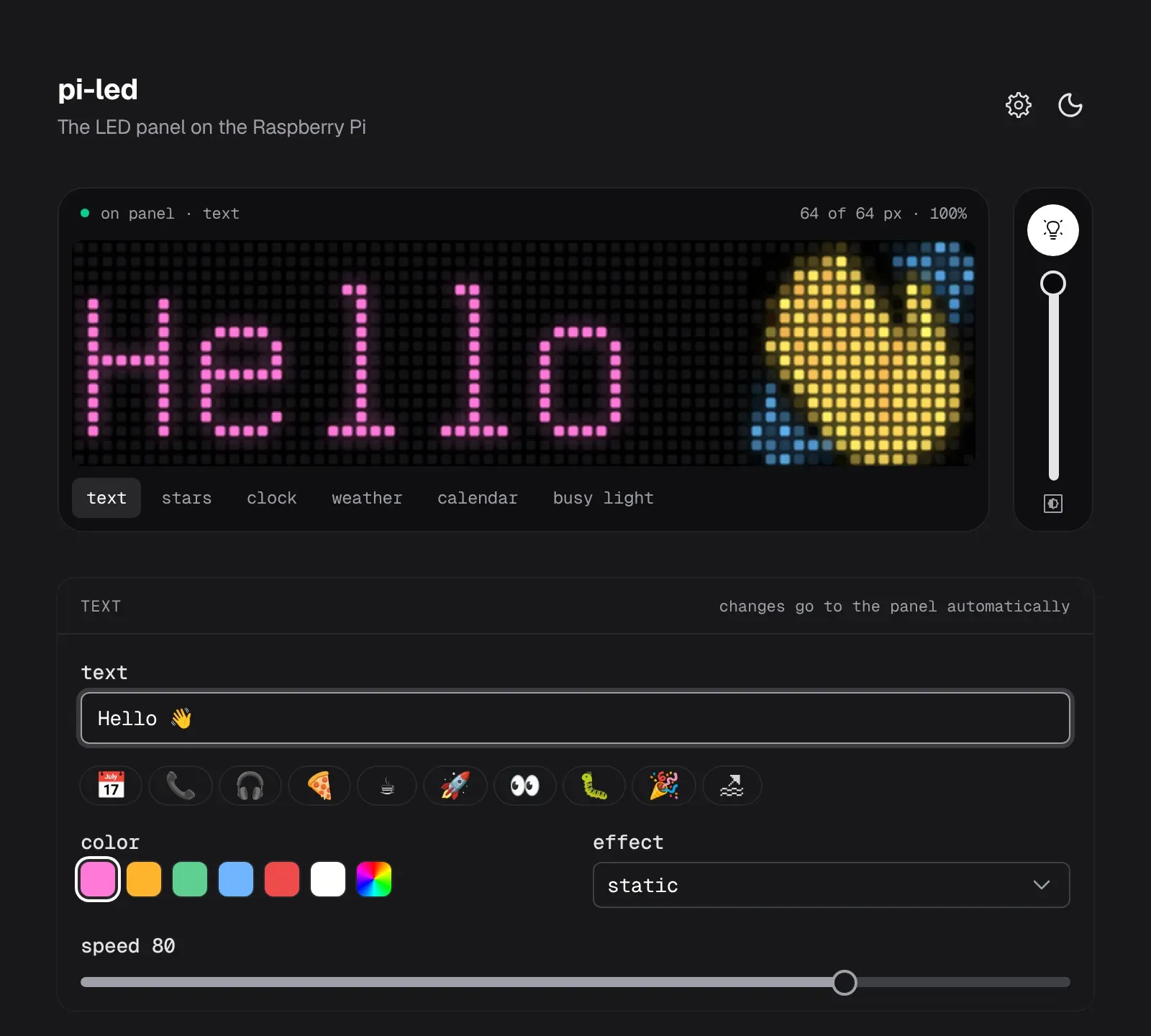
The control page has six tabs. The panel draws text itself, the Pi draws the other screens, and the preview shows the same pixels.
- Text, with a color, an effect such as scroll or blink, and one-tap emoji presets.
- Stars: the GitHub star count of a repository you pick, checked every 10 minutes.
- Clock, in 12 or 24 hours, with or without a blinking colon.
- Weather for a place you search, from Open-Meteo, redrawn every 10 minutes.
- Calendar: the next event from a private iCal link ("in 12m", "1h16m", a time later today, "tmrw", or "free"), then its title on a second page.
- Busy light: the panel glows green when you're free, orange shortly before a work meeting, and red during one.
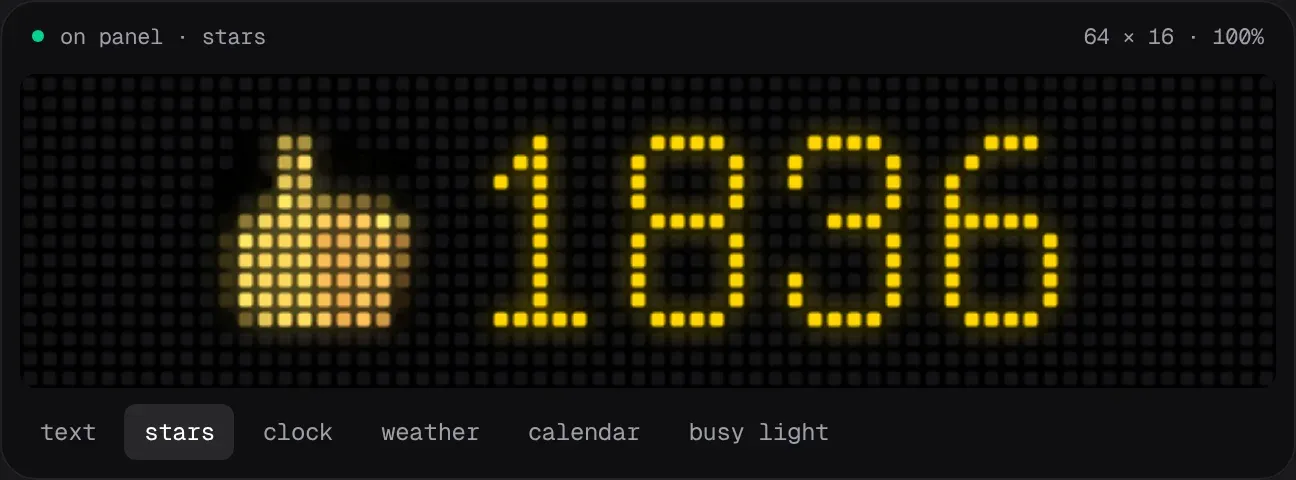
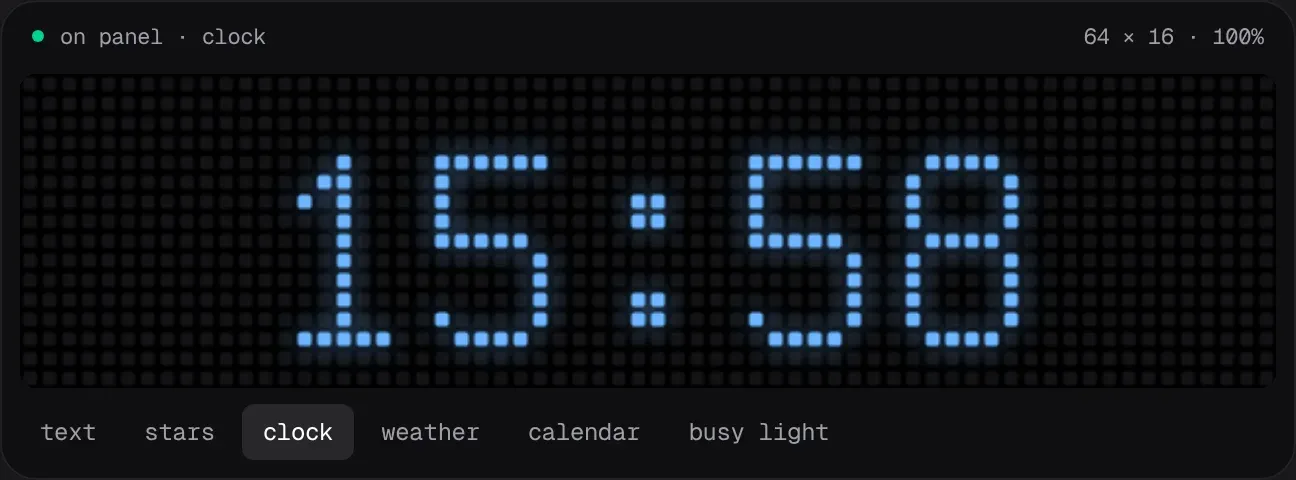
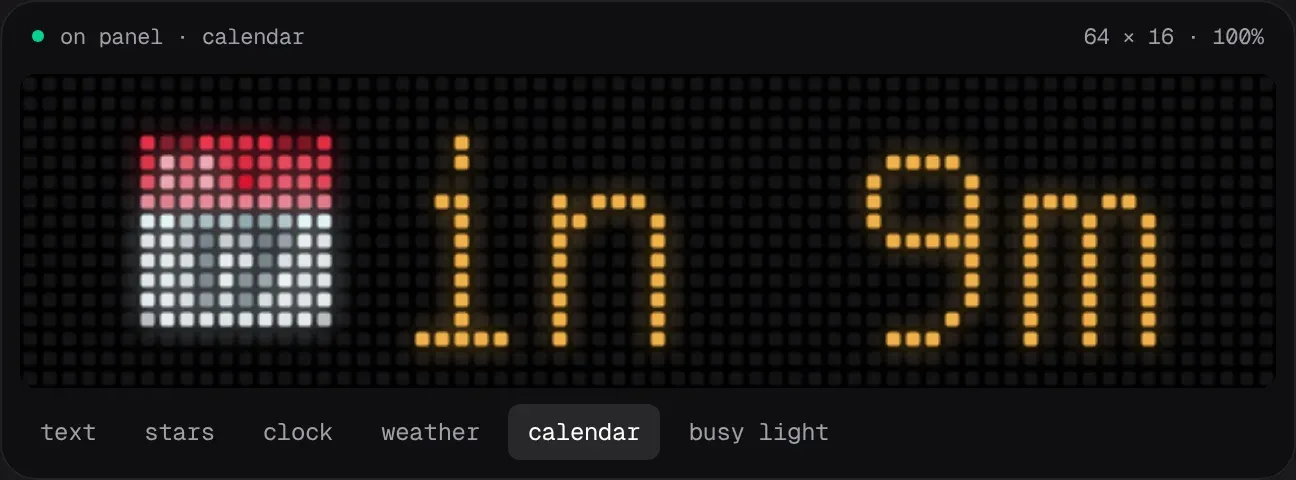
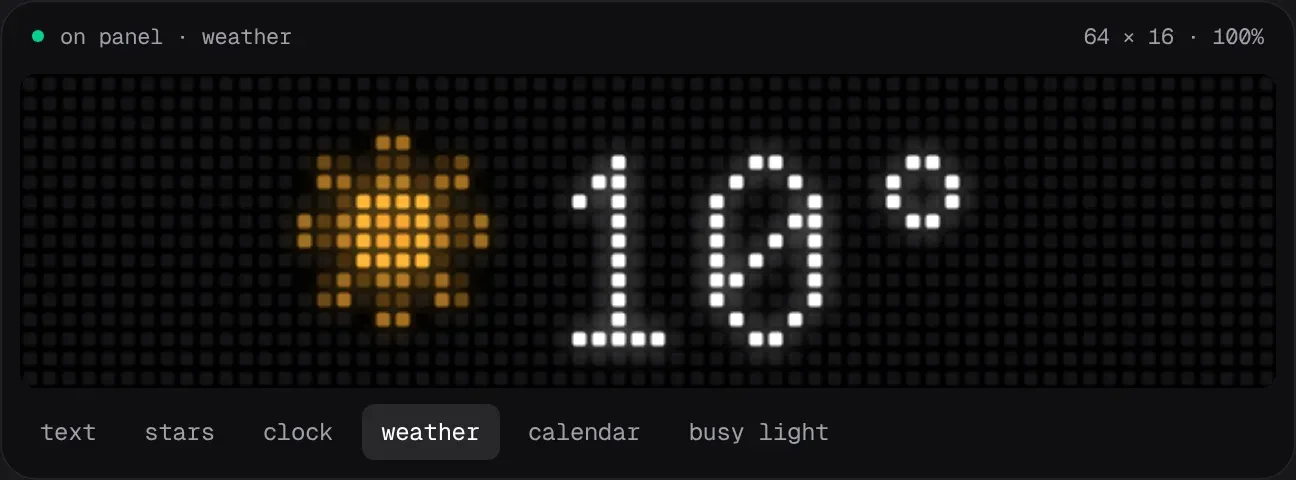
Busy light
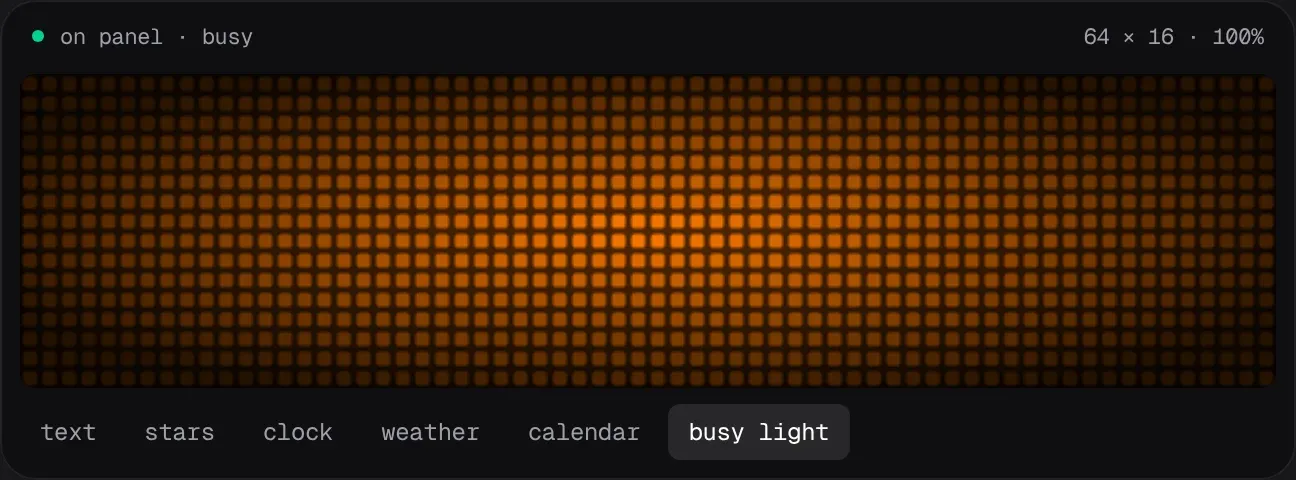
- Mark each calendar as work or personal. Only work calendars drive the busy light.
- The panel switches to the busy light on its own before a work meeting and goes back to the previous screen when the meeting ends.
- Declined, cancelled, and free events don't count, and back-to-back meetings stay red until the last one ends.
- A switch turns it red for calls that aren't in the calendar.
Settings
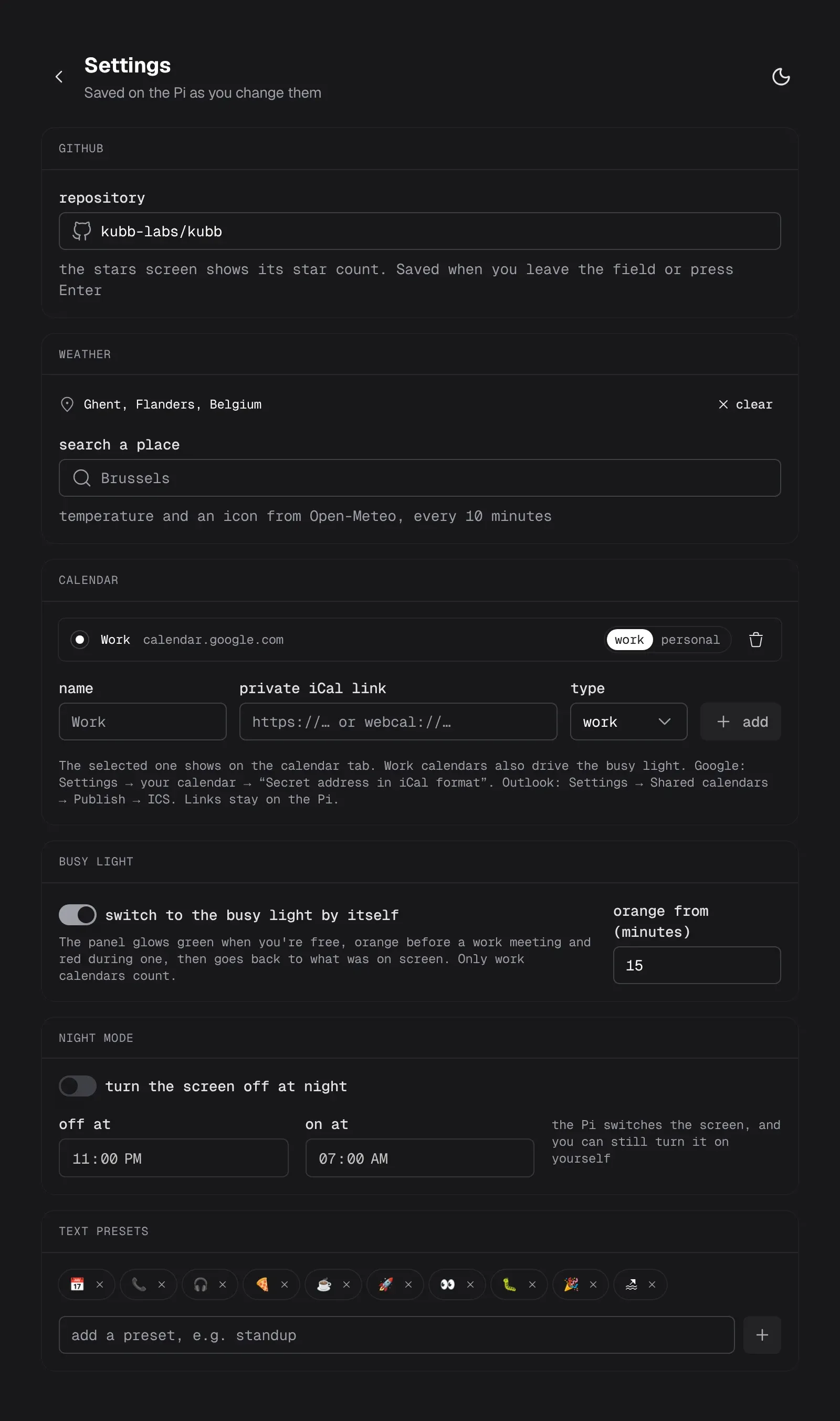
/settings holds the GitHub repository, the weather location, the calendars, the busy light, night mode (screen off and on at set times), and the text presets. They're saved on the Pi, outside the clone, and calendar links never leave it.
Claude (MCP)
The control page's server has an MCP endpoint at /mcp with three tools: show_text, show_stars, and panel_status.
claude mcp add --transport http led http://<pi>/mcp
Then ask Claude to put a message on the panel when it finishes a task.
Install
On a Raspberry Pi with Bluetooth:
git clone https://github.com/stijnvanhulle/led.git ~/led && ~/led/install.sh
The script installs Bluetooth, Python, and Node with pnpm, builds the control page, scans for the panel, and starts the services. After that, the Pi checks main every 5 minutes and deploys itself when main has new commits.
How it works
- A Python service on port 8080 holds the Bluetooth connection, using pypixelcolor, and draws the screens with Pillow.
- The control page is a Nuxt 4 app with Nuxt UI. It passes its
/api/*calls on to the Python service and serves the MCP endpoint. - The panel accepts one Bluetooth connection at a time, so the service keeps it open instead of reconnecting for every command.